

Introducing BeatStars Projects: Store, Share and Track Splits for Your Music in One Place
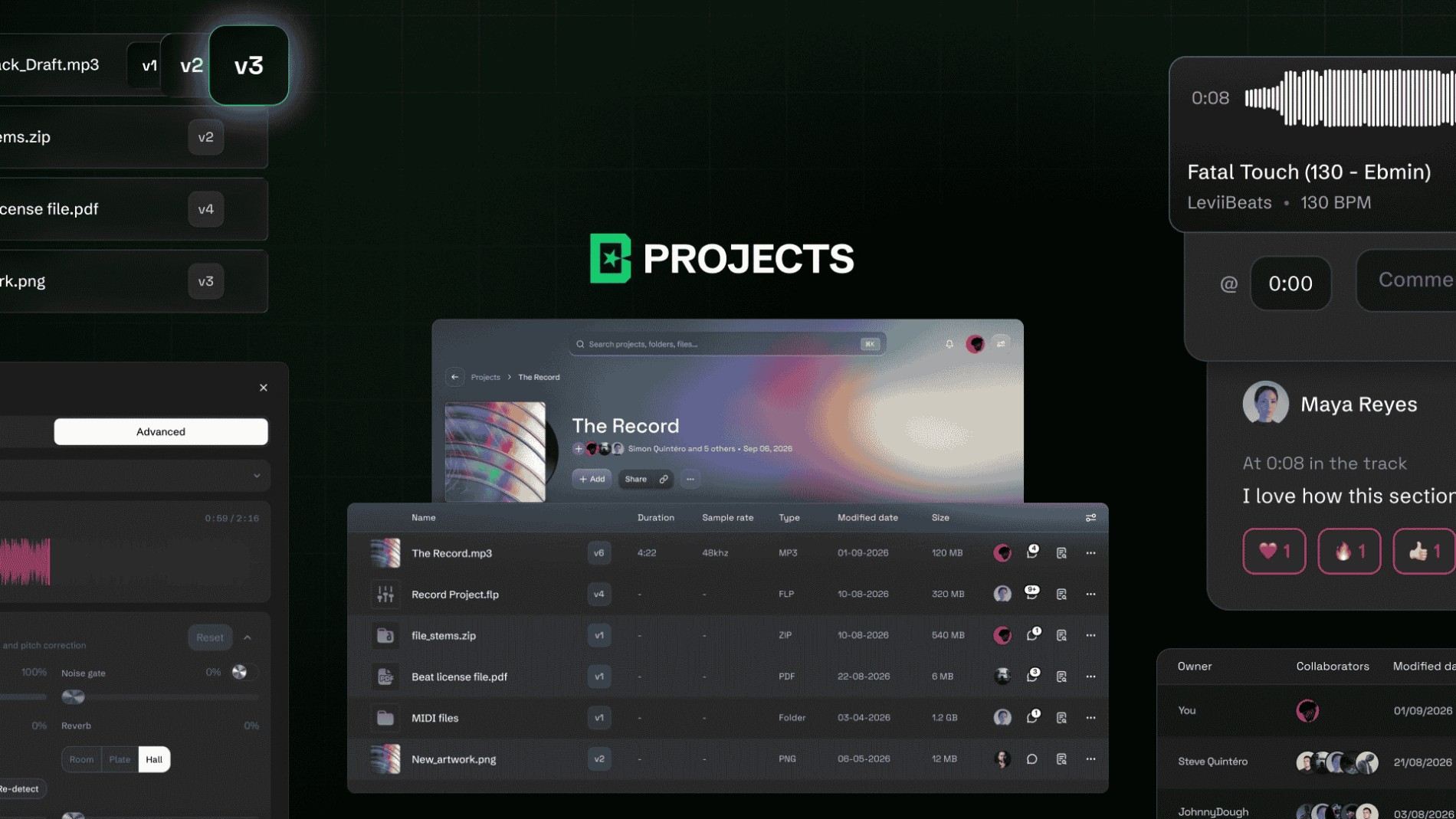
BeatStars Projects is a project and rights management workspace for music producers that stores your stems, DAW sessions, contracts and artwork in one place, lets you share and collaborate with timestamped comments, and records verified splits on every track. It is live now. Here is what it does, why it is built this way, and what it means for the work you already have in flight.
🚀 Try BeatStars Projects TODAY! → https://projects.beatstars.com/
Think about where your last placement actually lives. For most working producers, it is not one place. Stems in Dropbox. The Ableton session on an external drive. A reference bounce buried in a WhatsApp thread with the artist's manager. The contract is sitting as an attachment in an email from four months ago.
Artwork in a Google Drive folder called final_v3_USE_THIS.
The song exists. Everything that made the song is scattered across six services, and nobody owns the map.
Cloud storage for musicians was never going to fix that, because cloud storage answers a different question. It answers "where do I put this file?" The question the industry never answered is where the whole session lives, and how anyone proves what happened inside it.
BeatStars Projects is our answer.
Store stems, DAW sessions and contracts in one place.
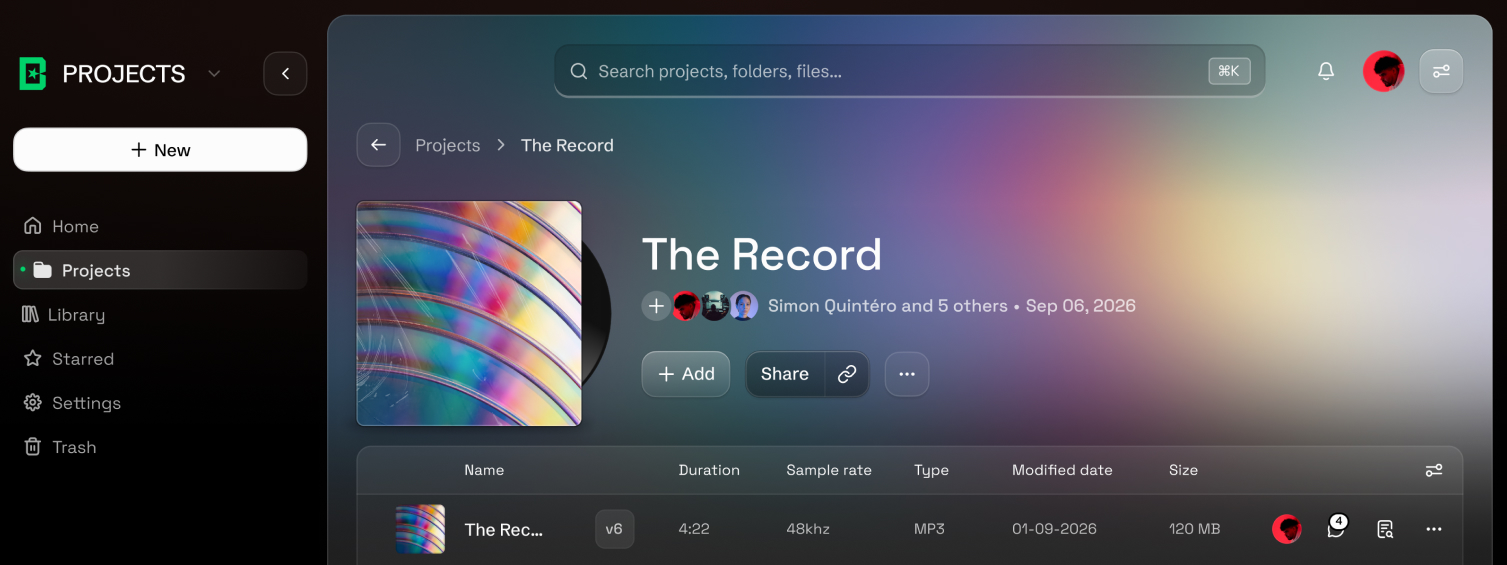
A project holds the work, not a copy of the work. Stems, the DAW session itself, reference bounces, artwork, the contract, the notes, the MIDI. Organize it into folders however your brain already organizes it.
Projects takes the files you actually work in, not just the ones you send out:
- Audio: WAV, MP3, FLAC, AIFF, ALAC, AAC, OGG, M4A
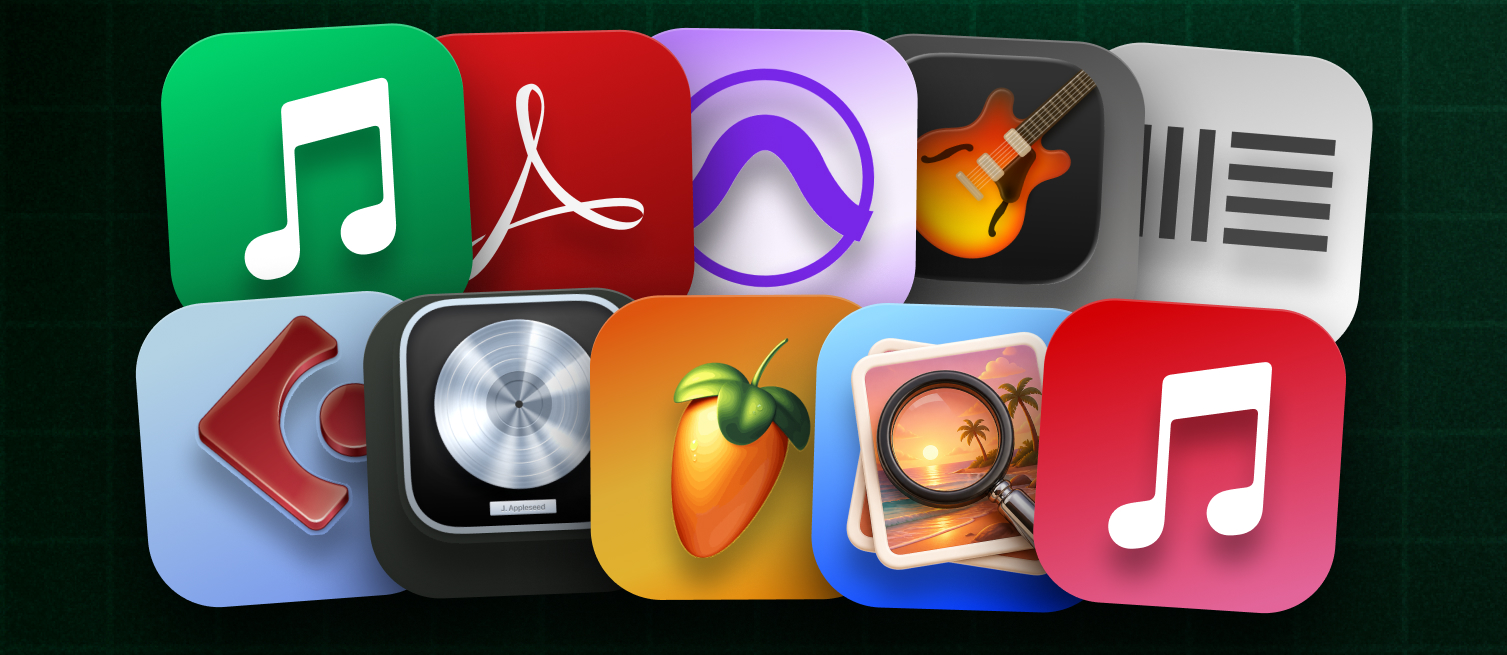
- DAW sessions: FL Studio, Logic Pro, Ableton, Pro Tools, Cubase, Reaper, GarageBand
- Documents: PDF, DOCX, TXT, CSV, MIDI
- Artwork: JPG, PNG
- Archives: ZIP and RAR, for stem packs and bundles
That list is the whole point. Most tools built for music sharing take a stereo bounce and stop. If your Ableton project, your split sheet and your master all have to live somewhere else, the tool solved the easy half of the problem.
Versions stack on the file rather than multiplying next to it. Upload a revision, and it becomes the current version, with everything before it still there. No more final, final2, finalFINAL.
Share music and collaborate with timestamped comments
Invite collaborators into a project and give them the access they should have. Owner, Admin, and Editor roles can upload and change things. Viewers can listen and follow along without touching anything.
Comments land on the timestamp. If the hat is fighting the vocal at 1:14, the note sits at 1:14, not in a paragraph the engineer has to decode three days later.
When the work is ready to leave the building, a share page carries it. Not a raw download link. A page with the artwork, a waveform that plays properly, the version history, and controls over whether anyone can download what they are hearing. Something you can send to an A&R without apologizing for how it looks.
🚀 Try BeatStars Projects TODAY! → https://projects.beatstars.com/
Verified splits and a permanent record of every file
Everything above is a good workspace. Plenty of tools have some version of it.
This is the part that does not exist anywhere else.
Every file in Projects carries its own record. Who uploaded it, when, with whom, which version, what changed. Not a log you have to remember to keep. A record that writes itself as you work, and that no one, including the person who owns the project, can go back and quietly rewrite.
Split sheets live in the same place, on the track, from the day the track starts. You propose an allocation, the named parties accept it, and it becomes a verified agreement with each person's acceptance timestamped. Change it later, and the previous version does not vanish; it becomes history. When you need to hand something to a lawyer, a distributor or a publisher, you export a record of agreement built from that history. Think of it as a digital split sheet that every collaborator signs, timestamped and stored with the track, instead of a PDF that goes missing.
This is the inversion. The credits are not metadata stapled to the storage. The credits are the foundation, and the storage is what holds them up.
It matters because of what happens downstream. A producer who cannot prove what they made, when they made it, and who they sent it to is a producer who loses the argument by default. Not because they are wrong. Because the person with the cleanest folder assembles the story after the fact. Projects makes the clean folder automatic, and makes the story impossible to assemble after the fact, because it was assembled as it happened.
🚀 Try BeatStars Projects TODAY! → https://projects.beatstars.com/
Search your catalog by BPM, key, genre and mood
A catalog is only worth what you can retrieve from it. Search across everything you have by name, and filter by BPM, key, genre, mood or tag. Star the work you are living in this week. Deleted something you needed? It is in trash, not gone.
You can also see what happens after you send. Who listened, who downloaded, who passed it on.
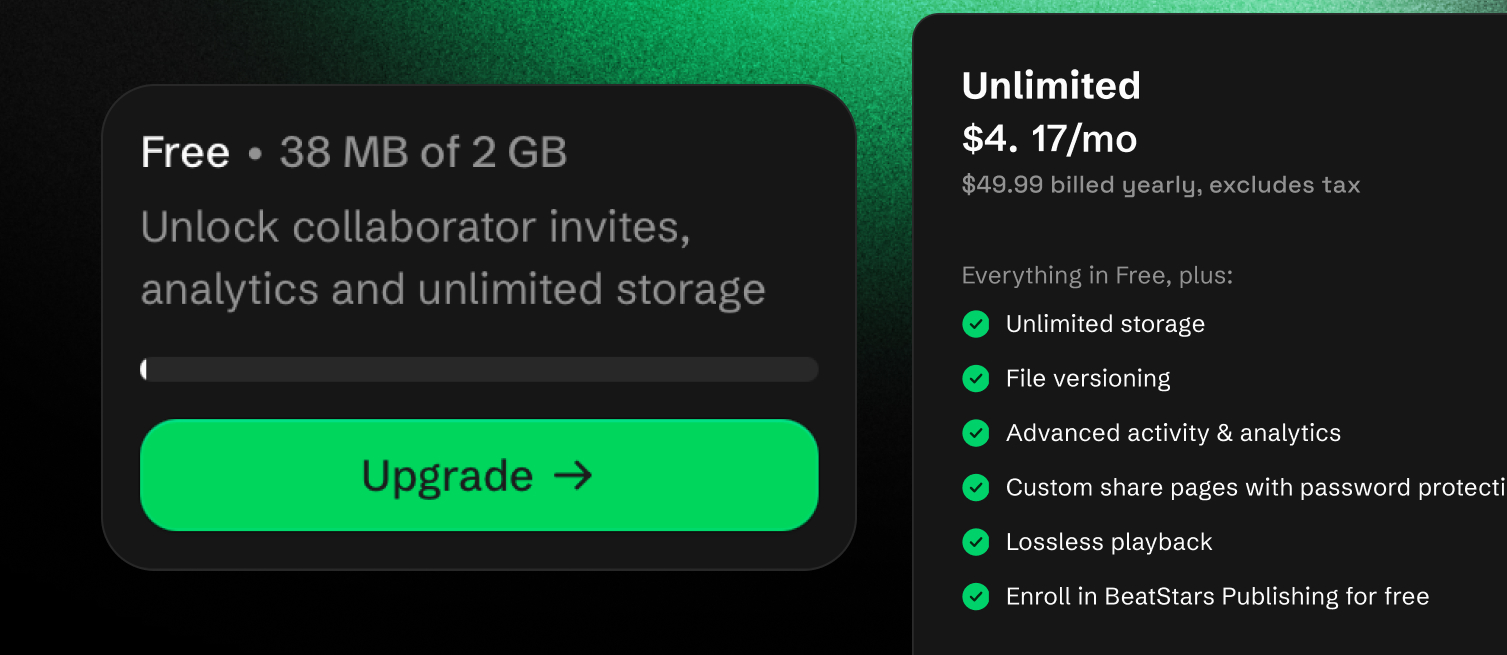
BeatStars Projects pricing and storage
Every BeatStars plan includes Projects storage.
Projects is included in every BeatStars subscription plan
Free: 2GB
Starter: 5GB
Growth: 10GB
Professional: 25GB
Projects Unlimited: $7.99 a month or $49.99 a year, unlimited storage, includes BeatStars Publishing
Need more, or don't sell on the marketplace? Projects Unlimited is available on its own.
No marketplace account required.
Why we built BeatStars Projects
BeatStars has paid out more than $450 million to producers and creators. In eighteen years of watching that money move, the same failure keeps repeating: the music gets made first, and the record of who made it gets made later, if at all.
Every other field that produces valuable work with more than one author solved this a long time ago. Software has version control. Finance has audit trails. Science has citations. Music has a shared drive belonging to an assistant who left three jobs ago.
So we built the layer that was missing. Not a better folder. A file that knows what it is.
🚀 Try BeatStars Projects TODAY! → https://projects.beatstars.com/
BeatStars Projects FAQ
Is BeatStars Projects free?
Yes. Every BeatStars plan includes Projects storage, starting with 2GB on the Free plan. If you need more space, Projects Unlimited is $7.99 a month or $49.99 a year.
What file types does BeatStars Projects support?
Projects supports audio (WAV, MP3, FLAC, AIFF, ALAC, AAC, OGG, M4A), DAW sessions from FL Studio, Logic Pro, Ableton, Pro Tools, Cubase, Reaper and GarageBand, documents (PDF, DOCX, TXT, CSV, MIDI), artwork (JPG, PNG) and ZIP or RAR archives. That means the whole session lives in one place, not just the final bounce.
How do splits work in BeatStars Projects?
You propose a split on the track, and each named collaborator accepts it. Once everyone accepts, it becomes a verified agreement with every acceptance timestamped, and any later change is saved as history. When you need it, you can export a record of agreement for a lawyer, distributor or publisher.
Can I use BeatStars Projects without a BeatStars marketplace account?
Yes. Projects Unlimited is available on its own, and no marketplace account is required.
How is BeatStars Projects different from Dropbox or Google Drive?
Dropbox and Google Drive store files. BeatStars Projects stores the whole session and keeps a permanent record of who uploaded what, when and which version, with verified splits on every track. It also adds timestamped comments and share pages built for music.
Can collaborators download my files?
Only if you let them. Share pages let you control whether anyone can download what they are hearing, and Viewers can listen and follow along without changing anything in the project.
Your work, on the record!